Instagram Reels Viewer
Play a public account's reels in your browser, with sound, and save any of them as an MP4. No account needed.
Only public accounts load. Nothing to install or sign up for.

Latest reels
How to watch reels without the app
Four steps from a handle to a saved video. The screenshots show this viewer on a phone.
Step 1: Type the account name
Enter the handle with or without the @, or paste the profile link. A link to one reel won't load. Tap View.
Step 2: Choose from the grid
The reels load as tall tiles under the profile card, each with its play count in the corner. They arrive all at once, with no Show more.
Step 3: Watch with sound
A tapped reel plays full screen, its plays and likes beside the username. It starts muted, and the speaker button below turns the sound on. When it ends, the next reel begins.
Step 4: Save it or open the original
Save downloads the reel as an MP4 with its soundtrack. Open on Instagram goes to the same reel in the app or on the website.
What the reels viewer can and can't do
It can
- Play a public account's recent reels from one grid
- Show the play count on every tile, and likes once a reel is open
- Play with sound and move on to the next reel by itself
- Save any reel as an MP4 with its audio
- Open the same reel on Instagram in one tap
It can't
- Show reels from private accounts, even if you follow them
- Load a single reel from a pasted reel link
- Load older reels than the batch shown on the page
- Show the comments, or the names of people who liked
- Trim a clip or choose the video quality before saving
Questions people ask
Short answers about privacy, limits and saving files. The full FAQ covers every tool. Something not covered? Write to us.
Does the creator see that I watched their reel?
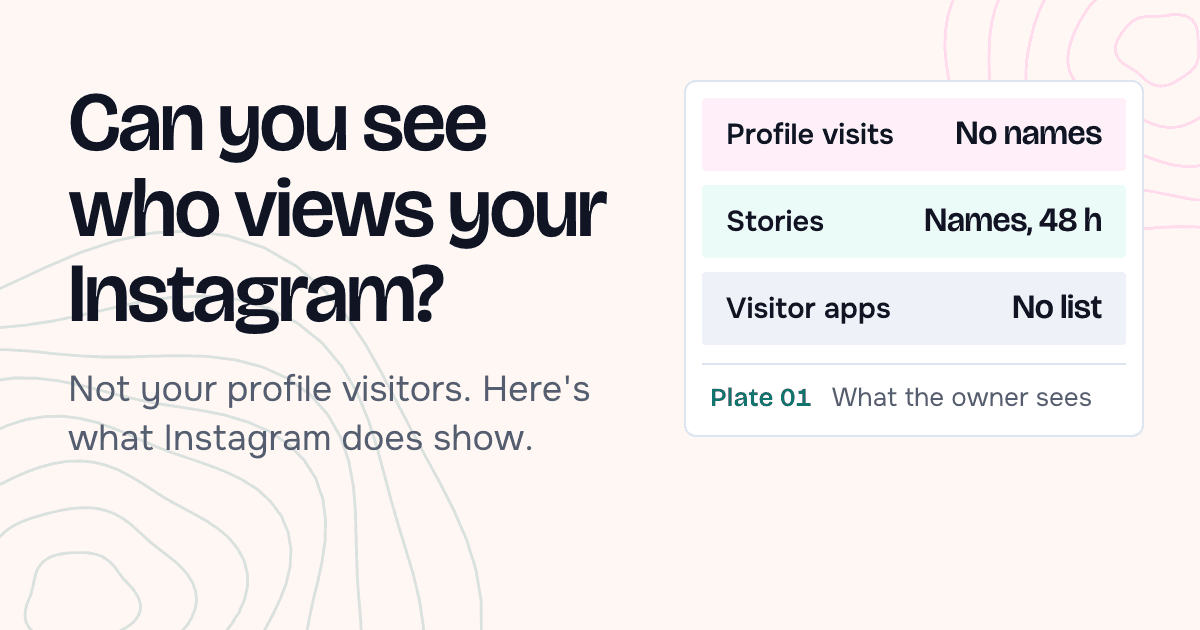
No. The reel reaches you through our server, and no Instagram account is used to fetch it, so there's no name to show the creator. For reels watched inside Instagram, see can you see who views your Instagram reels.
Do I need an Instagram account or the app?
No. There's nothing to sign up for and nothing to connect. Type a username in the box and the results load on this page, in any browser.
Can I see a private account?
No. We only show content that an account has made public. If an account is private, you'll see a note saying so and nothing else.
Can I download a reel with its sound?
Yes. Open the reel and tap Save. You get the MP4 file itself, audio track included whenever the reel has one.
Why does a reel start without sound?
Phones only let a video start by itself when it's muted. Tap the speaker button once and the sound stays on as you move to the next reel.
How many reels will I see?
All the reels our data provider returns for the account in one request. There's no Show more, so older reels stay on Instagram.
Can I paste a link to one reel?
No. The search box takes a username or a profile link. Type the handle shown on the reel, then pick it from the grid.
Are the play counts up to date?
They're as fresh as our copy, which we keep for about a day. A fast-spreading reel can be ahead in the app.
What is the saved file called?
The account name, the word reel and the time it was posted, for example nasa_reel_2026-10-01T14-32-00.mp4.
Can I see the comments on a reel?
No. The viewer shows plays and likes. To read the comments, tap Open on Instagram under the reel.
Why do I see “Slow down a little”?
Each IP address can make 60 requests to our servers in 10 minutes, and one search uses a few of them. The message says how long to wait. If you search a lot in a short time we may also ask for a quick check that you're a person.
Does it work on iPhone and Android?
Yes. It runs in Safari, Chrome or any other current browser, on a phone or a computer. There's nothing to install and no app to keep updated.
More free viewers
Same search box, a different part of the profile.
 Story ViewerToday's stories from a public account, in full screen, with a Save button on each one.Open the Story Viewer
  Profile ViewerBio, link, follower counts and the profile picture at full size, with highlights and recent posts below.Open the Profile Viewer
  Posts ViewerThe feed as a grid. Open a photo, video or carousel to read the caption and save each file.Open the Posts Viewer
  Highlights ViewerThe story collections pinned to a profile, played in order, long after the original stories expired.Open the Highlights Viewer
What happens when you open a reel
- 01Your browserSends the username you typed. No login, no account of yours.
- 02Our serverAnswers from its copy if it has a recent one, or asks the provider.
- 03Data providerReceives the username only, never who asked for it.
- 04InstagramGets the provider's request. Your account and name are not in it.
Reels from a public account are visible to anyone who opens its page. This viewer gathers them in one grid, plays them back to back and puts a Save button under each.
When you search, our server asks a data provider for the public profile and its reels. The request names the account and nothing else, and your own Instagram account never comes into it.
Each video streams through our server too. Swipe, use the arrow keys, or tap the right or left third of the screen to move between reels.
Reels load in one go: the batch the provider returns in a single request. An account with years of reels shows its recent ones here, and the rest stay on Instagram.
We keep a copy of an account's reels for about a day, and for one more day the copy can still be served while a fresh one loads. A reel that is taking off can show fewer plays here than in the app.
Save asks our server for the video file and sends it back as a download, named like nasa_reel_2026-10-01T14-32-00.mp4, so saves from one account sort in order.
| Result | Kept for | |
|---|---|---|
| Stories | About 5 minutes | An older copy can be shown for up to 30 minutes while a fresh one loads. |
| Profile details | 10 minutes to 2 hours | Depends on the size of the account and how often it's searched. |
| Highlights | About 6 hours | The items inside a highlight are refreshed every 12 hours. |
| Posts and reels | About a day | Up to 36 recent posts per account, 12 at a time. |
Why people watch reels here
A few situations where a browser page is the easier way to watch.
Keeping a tutorial for later
A short repair or hairstyle tutorial is easy to lose in the app. Save the MP4 and play it offline, pausing at each step.
Catching a band's live clip
Bands and venues post clips from last night's show. A friend sends the account, and you watch with sound without installing anything.
Comparing creators' formats
Marketers line up how different creators open a reel and which topics draw the most plays. The count on every tile makes a quick first pass.
Watching on a work computer
The app isn't on your laptop and you'd rather not sign in at work. The reels play in an ordinary browser tab.
Sending a reel to someone without Instagram
Save the MP4 and send the file in a message or an email. Your friend can play it without an account.
Seeing a product in motion
Shops use reels to show how a jacket moves or a gadget works. A few clips in a row tell you more than the product photos.
From the blog
All articles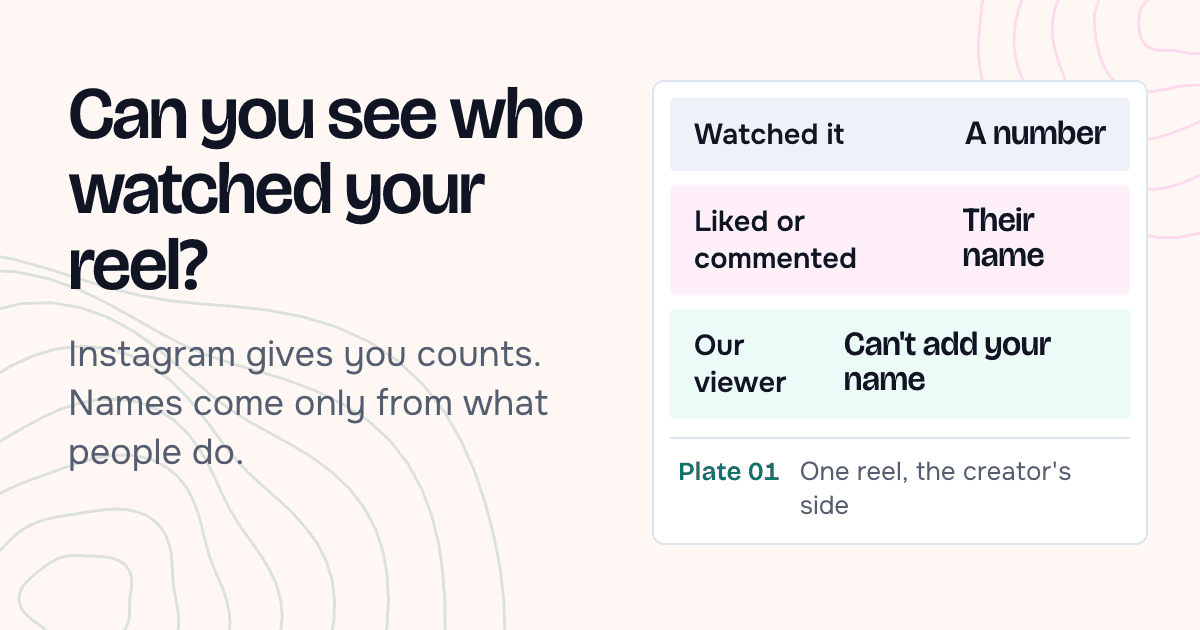
Watch reels from another account
Enter a public username and its reels load on this page.