Instagram Profile Viewer
See a public profile the way a visitor sees it, without an account: the full-size picture, bio, counts, highlights and latest posts.
Public accounts only. No sign-up, nothing to install.

NASA
@nasa
- posts
- 5K
- followers
- 104M
- following
- 90
Making the seemingly impossible, possible. ✨
www.nasa.gov
Latest posts
How to view a profile without logging in
The whole profile loads from one search. These plates were taken in this viewer on a phone, looking up @nasa.
Step 1: Enter the username
A handle with or without the @, or a link copied from the Instagram app. Tap View and the profile card loads first.
Step 2: Read the profile card
Name, username, the verified mark when there is one, the bio with its line breaks, the link in bio, and the post, follower and following counts.
Step 3: Open the picture at full size
In the app a profile picture is a small circle. Tap it here and it opens at the largest size Instagram provides, with a Save button for the file.
Step 3: open the picture at full size Step 4: Open a post from the grid
Under the card come the pinned highlights and the 12 most recent posts; Show more loads the next 12, up to 36. A tapped post opens with its caption, its counts and a Save button.
What you can see, and what stays hidden
It can
- Name, username, verified mark, bio and the link in bio
- Post, follower and following counts
- The profile picture at the largest size Instagram provides
- Pinned highlights, and up to 36 recent posts
- Each post's caption with its like and comment counts
It can't
- Anything inside a private account
- The list of followers or the accounts they follow
- Who viewed the profile, or who else searched it
- Comments themselves, tagged posts or direct messages
- Changes made in the last few minutes, until the copy refreshes
Questions people ask
Short answers about privacy, limits and saving files. The full FAQ covers every tool. Something not covered? Write to us.
Does the person get notified when I view their profile?
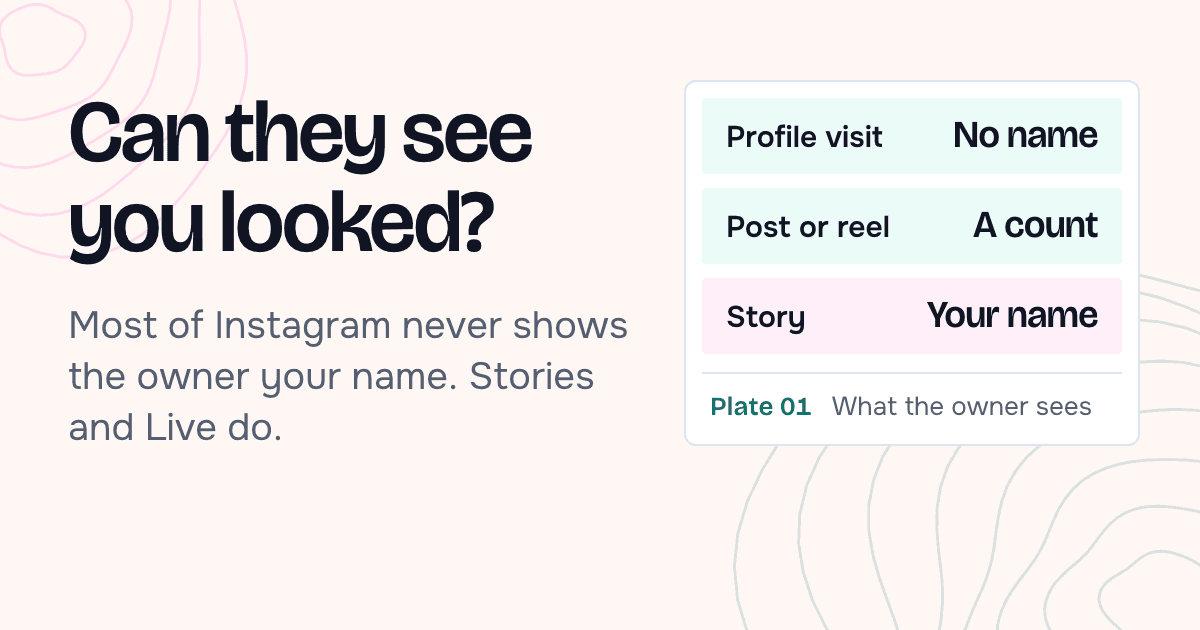
No. Instagram doesn't notify anyone about profile visits, and we don't use an Instagram account to look the profile up. Stories and Live are different: can people see when you look at their Instagram.
Can I see the profile picture in full size?
Yes. Tap the picture on the profile card. It opens at the largest size Instagram provides, and Save downloads it as a JPG.
Do I need an Instagram account or the app?
No. There's nothing to sign up for and nothing to connect. Type a username in the box and the results load on this page, in any browser.
Can I see a private account?
No. We only show content that an account has made public. If an account is private, you'll see a note saying so and nothing else.
Why do the follower counts differ from the app?
We keep profile details for 10 minutes to 2 hours, depending on the account, so a fast-growing account can be a little behind. Search again later for a newer reading.
Can I see who they follow, or who follows them?
No. Those lists are only available to signed-in accounts, and we don't sign in to anything. You'll see the counts, not the names.
How many posts can I see?
The 12 most recent load with the profile. Show more adds 12 at a time, up to 36. For older posts, open the account on Instagram itself.
Can I save posts from a profile?
Yes. Open any post and tap Save. Each photo in a carousel downloads on its own, as a JPG, and videos as MP4.
Does it cost anything?
No. The viewers are free to use and there's no paid tier behind them. You won't be asked for an email address or a card.
Do you keep a record of what I looked at?
There's no account and no search history tied to you. We keep a copy of an account's public content under its username so the next search is fast, and our web server writes a standard log line per request, which we read only to fix errors and stop abuse and delete after 14 days. The privacy policy lists all of it.
Why do I see “Slow down a little”?
Each IP address can make 60 requests to our servers in 10 minutes, and one search uses a few of them. The message says how long to wait. If you search a lot in a short time we may also ask for a quick check that you're a person.
What does “We couldn't tell if this account is public” mean?
Sometimes Instagram's answer doesn't say whether an account is public. When that happens we show nothing rather than guess, because a wrong guess would expose a private account. Trying again a few minutes later usually works.
More free viewers
Same search box, a different part of the profile.
 Story ViewerToday's stories from a public account, in full screen, with a Save button on each one.Open the Story Viewer
  Posts ViewerThe feed as a grid. Open a photo, video or carousel to read the caption and save each file.Open the Posts Viewer
  Highlights ViewerThe story collections pinned to a profile, played in order, long after the original stories expired.Open the Highlights Viewer
  Reels ViewerRecent reels with their play counts. Watch with sound or save the video as an MP4.Open the Reels Viewer
What the profile viewer shows
- 01Your browserSends the username you typed. No login, no account of yours.
- 02Our serverAnswers from its copy if it has a recent one, or asks the provider.
- 03Data providerReceives the username only, never who asked for it.
- 04InstagramGets the provider's request. Your account and name are not in it.
A public Instagram profile is meant to be seen by anyone: its picture, bio, counts and posts are public. This viewer reads that same public data and lays it out on one page, with the profile picture at full size instead of a small circle and the newest posts ready to open.
When you search, our server asks a data provider for that profile's public data. The provider gets the username and nothing about you. Instagram doesn't tell account owners who looked at their profile, and since no Instagram account is used on our side, there's nothing that could connect the visit to you.
Counts are a reading taken at a moment. We keep the profile details for 10 minutes to 2 hours depending on the account, so a fast-growing account can be slightly behind what the app shows.
If the profile is private, the card says so and nothing else loads. If Instagram's answer doesn't say whether the account is public, we treat it as private and show nothing.
Looking is all the viewer does. It never follows, likes, comments or sends a request, so the account owner sees no activity of any kind from a visit here, and closing the page leaves nothing behind on Instagram's side.
| Result | Kept for | |
|---|---|---|
| Stories | About 5 minutes | An older copy can be shown for up to 30 minutes while a fresh one loads. |
| Profile details | 10 minutes to 2 hours | Depends on the size of the account and how often it's searched. |
| Highlights | About 6 hours | The items inside a highlight are refreshed every 12 hours. |
| Posts and reels | About a day | Up to 36 recent posts per account, 12 at a time. |
Why people check a profile this way
A few situations where a quick, logged-out look is the point.
Vetting a seller or a service
Before paying someone you found on a marketplace, it helps to see how long the account has been posting, what the bio links to and whether the posts match what they're selling.
Checking someone before you meet
A date, a roommate, a contractor. A public profile says whether the person is who they claim to be, and you can look without leaving a trace in their notifications or suggestions.
Comparing creators for a brand deal
Follower and post counts side by side, the link in bio, and the last dozen posts are enough for a first pass on whether an account fits a campaign.
Seeing the profile picture properly
Sometimes you just want to know whose face is in that tiny circle. The full-size view settles it.
Looking without training your feed
Every profile you open in the app nudges what Instagram shows you next. Looking from a browser page leaves your recommendations alone.
From the blog
All articles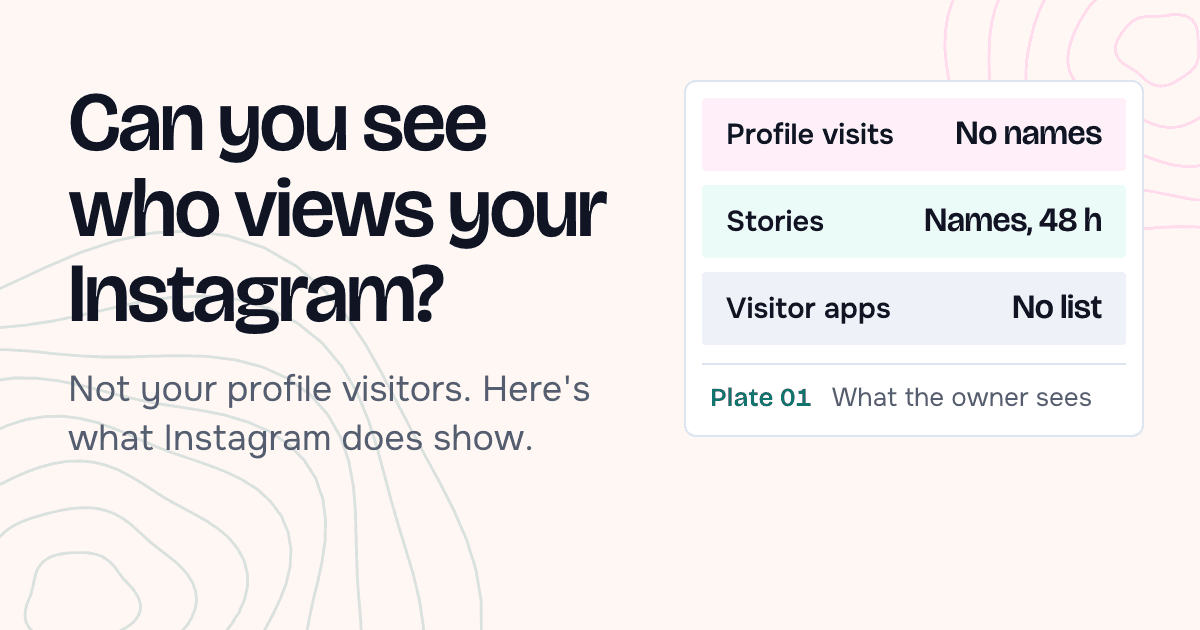
Look up another profile
Type a public username and the whole profile loads on this page.